|

Add you Tags
Item specifics
Compatible Brand: For Acer,For Apple,For ASUS,For Compaq,For Dell,For Fujitsu,For Gateway,For HP,For Lenovo,For Thinkpad,For Samsung,For Sony,For Toshiba,Universal
Model Number: 1005 Series Package: No Output Current: 2.4A Output Voltage: 5V
Specifications
1.Output Power: 90W Max
2.Input: DC 12V
3.USB Output: 5V 2.4A MAX
4.Line length: 1.8m
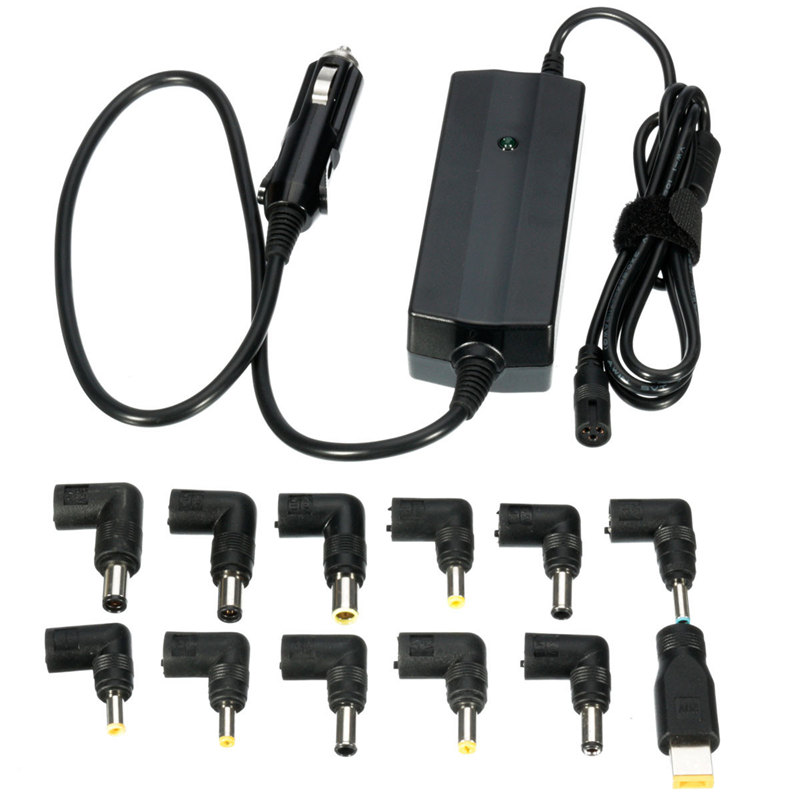
5.Twelve Tips/Connectors: 6.3*3.0 / 4.5*3.0 / 6.5*4.4 / 4.8*1.7 / 5.5*2.5 / 5.5*3.0 / 5.5*1.7 / 6.5*4.4 / 7.4*5.0 / USB Tip / 7.9*5.4 / 7.4*5.0
How to use
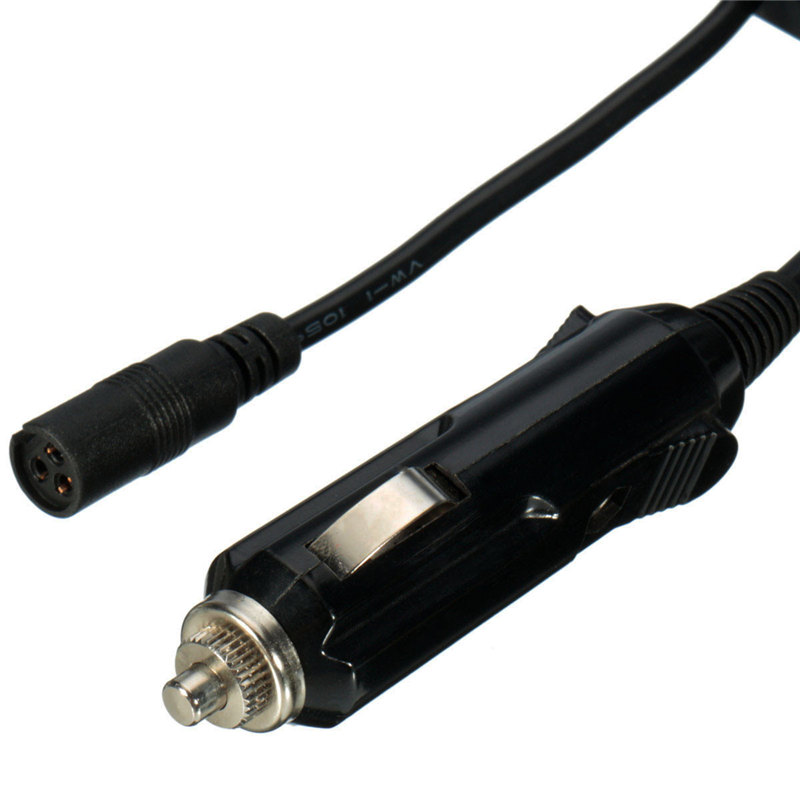
Plug the auto power adapter into the cigarette ghter and the connector in the laptop for charging while you are driving
Note:
Voltage selection:
1.Proper output voltage setting. Please check the voltage indication marked next to the input jack on your laptop. You may find the voltage in your AC adaptor or in the computer user's manual.
2.Set the voltage switch on the body of the adaptor into the corresponding voltage of your laptop.
Tip polarity selection:
1.Select a proper connector size. The polarity of the connector plugs is presented with the positive tip in centre.
2.Insert connector output plug into your laptop
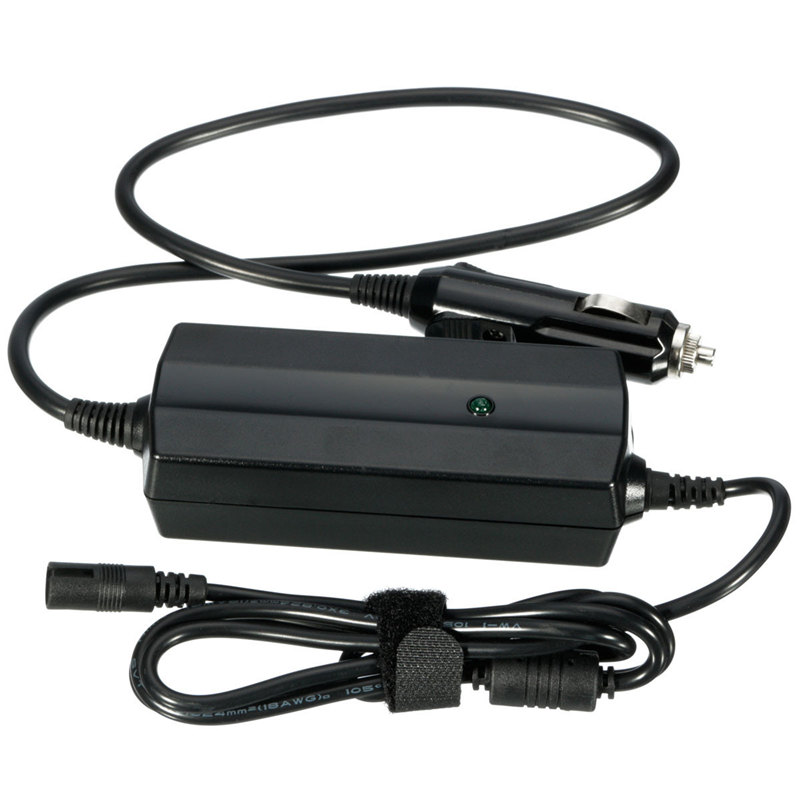
3.Insert adaptor into vehicle ghter socket. Green LED will ght to indicate proper operation. If LED fails to ght. See FUSE REPLACEMENT.
4.Turn on laptop
If it dose not operate, immediately disconnect and review the above steps.
Package included
1 x Laptop adapter
12 x Interchangeable tips
Product Description
Packaging Details Unit
Type: piece
Package Weight: 0.491kg (1.08lb.)
Package Size: 21cm x 15cm x 5cm (8.27in x 5.91in x 1.97in)
Compatible Brand: For Acer,For Apple,For ASUS,For Compaq,For Dell,For Fujitsu,For Gateway,For HP,For Lenovo,For Thinkpad,For Samsung,For Sony,For Toshiba,Universal
Model Number: 1005 Series Package: No Output Current: 2.4A Output Voltage: 5V
Specifications
1.Output Power: 90W Max
2.Input: DC 12V
3.USB Output: 5V 2.4A MAX
4.Line length: 1.8m
5.Twelve Tips/Connectors: 6.3*3.0 / 4.5*3.0 / 6.5*4.4 / 4.8*1.7 / 5.5*2.5 / 5.5*3.0 / 5.5*1.7 / 6.5*4.4 / 7.4*5.0 / USB Tip / 7.9*5.4 / 7.4*5.0
How to use
Plug the auto power adapter into the cigarette ghter and the connector in the laptop for charging while you are driving
Note:
Voltage selection:
1.Proper output voltage setting. Please check the voltage indication marked next to the input jack on your laptop. You may find the voltage in your AC adaptor or in the computer user's manual.
2.Set the voltage switch on the body of the adaptor into the corresponding voltage of your laptop.
Tip polarity selection:
1.Select a proper connector size. The polarity of the connector plugs is presented with the positive tip in centre.
2.Insert connector output plug into your laptop
3.Insert adaptor into vehicle ghter socket. Green LED will ght to indicate proper operation. If LED fails to ght. See FUSE REPLACEMENT.
4.Turn on laptop
If it dose not operate, immediately disconnect and review the above steps.
Package included
1 x Laptop adapter
12 x Interchangeable tips
Product Description
Packaging Details Unit
Type: piece
Package Weight: 0.491kg (1.08lb.)
Package Size: 21cm x 15cm x 5cm (8.27in x 5.91in x 1.97in)